I wanted to create a subdomain emailer.gaurv.me for hosting an automated cold email drafting service as a Flask website on Google Cloud Protocol. I get that this is a pretty lame name - I am also not good with naming things. That being said, first I had to log into Cloudflare Dashboard and add a new DNS record with type: CNAME and name: emailer and select the proxy status as DNS only.
I figured that the best way to enable HTTPS for Flask app is just to go with DNS (orange cloud OFF). Once the records are set, create a new project (recommended) on Google Cloud and choose an Email API - I am using Gmail API. Create an OAuth 2.0 Client ID and add a redirect URI(s) which is your subdomain/callback URL - (https://emailer.gaurv.me/oauth2callback in this case). This creates a secret client JSON file which is visible for download only once.
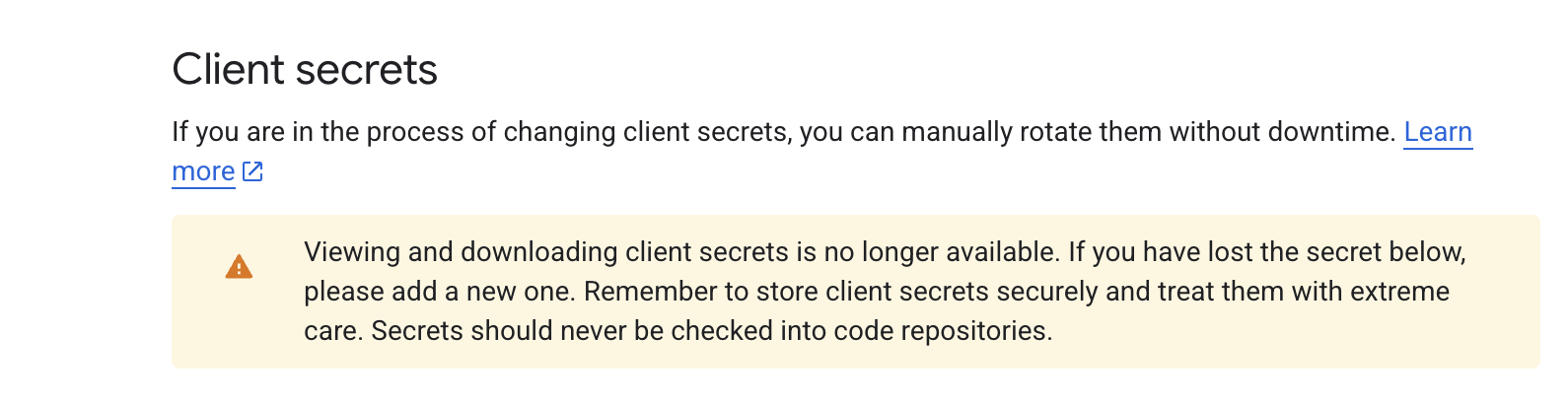
Configure the scope of the API according to the project needs. Once the API service is set, open the left panel and choose Cloud Run → Services. This is where the website gets deployed. First of all, make sure you are under the same project in which the API is created. Deploy a container and create a service with a Docker image URL (dummify if not created yet). Choose any service name and select a region based on the needs of the app. My app was lightweight, so I went with two CPUs and 1 GiB. Allow authentication (Require Authentication for dev, Allow unauthenticated for prod) and add env variables as secrets under containers - this includes the client secret JSON file downloaded earlier, Flask app key and/or other secrets. The rest of the settings like scaling, ingress and instance/request-based are deployment specifics as they are app-dependent (Grok helped me through this). Finally, hit Create.
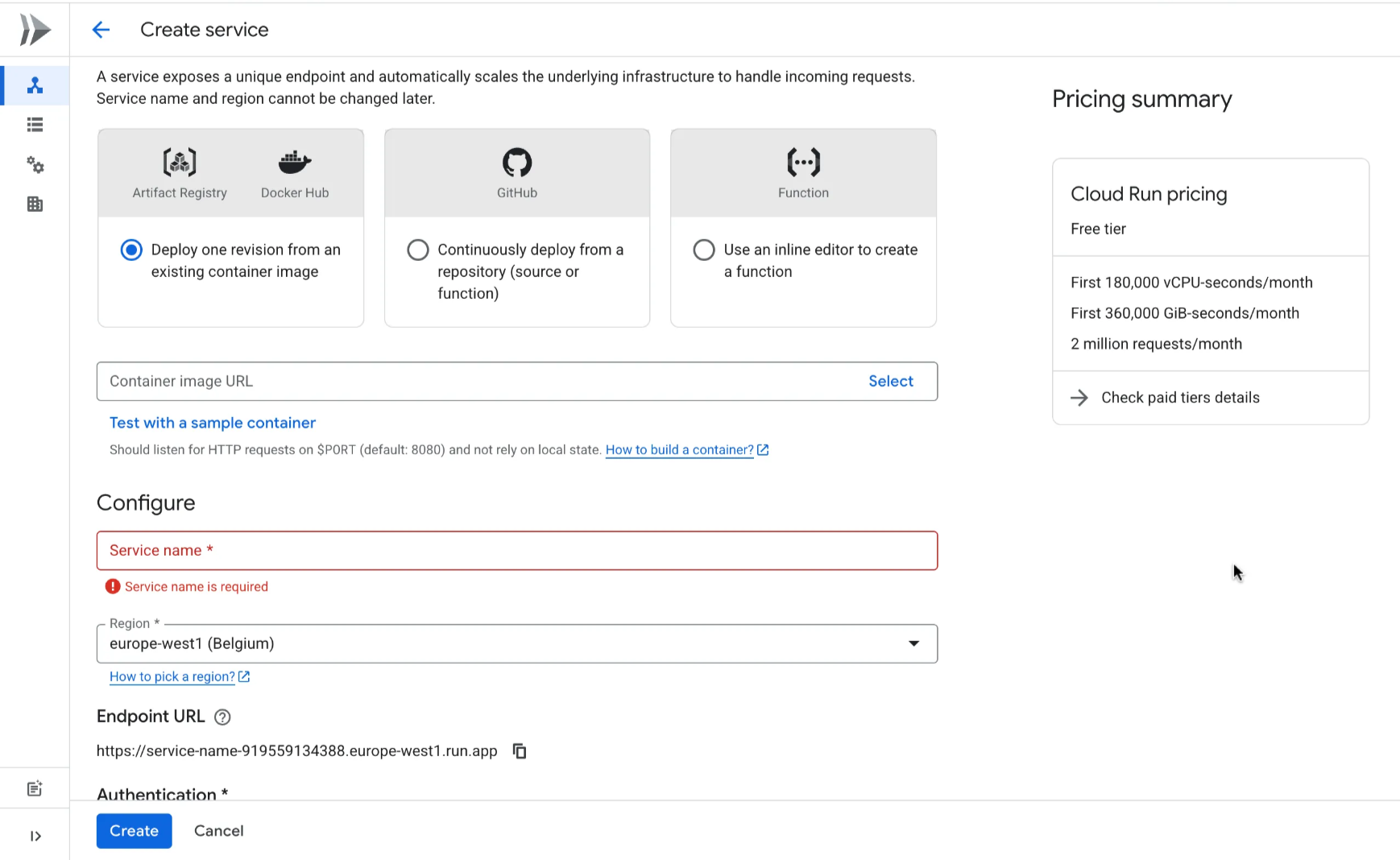
Now the service will be created (typically takes 10 - 15 seconds) with the service name. Select the service and it exposes a url - something like https://service_name-xxxx.region.run.app
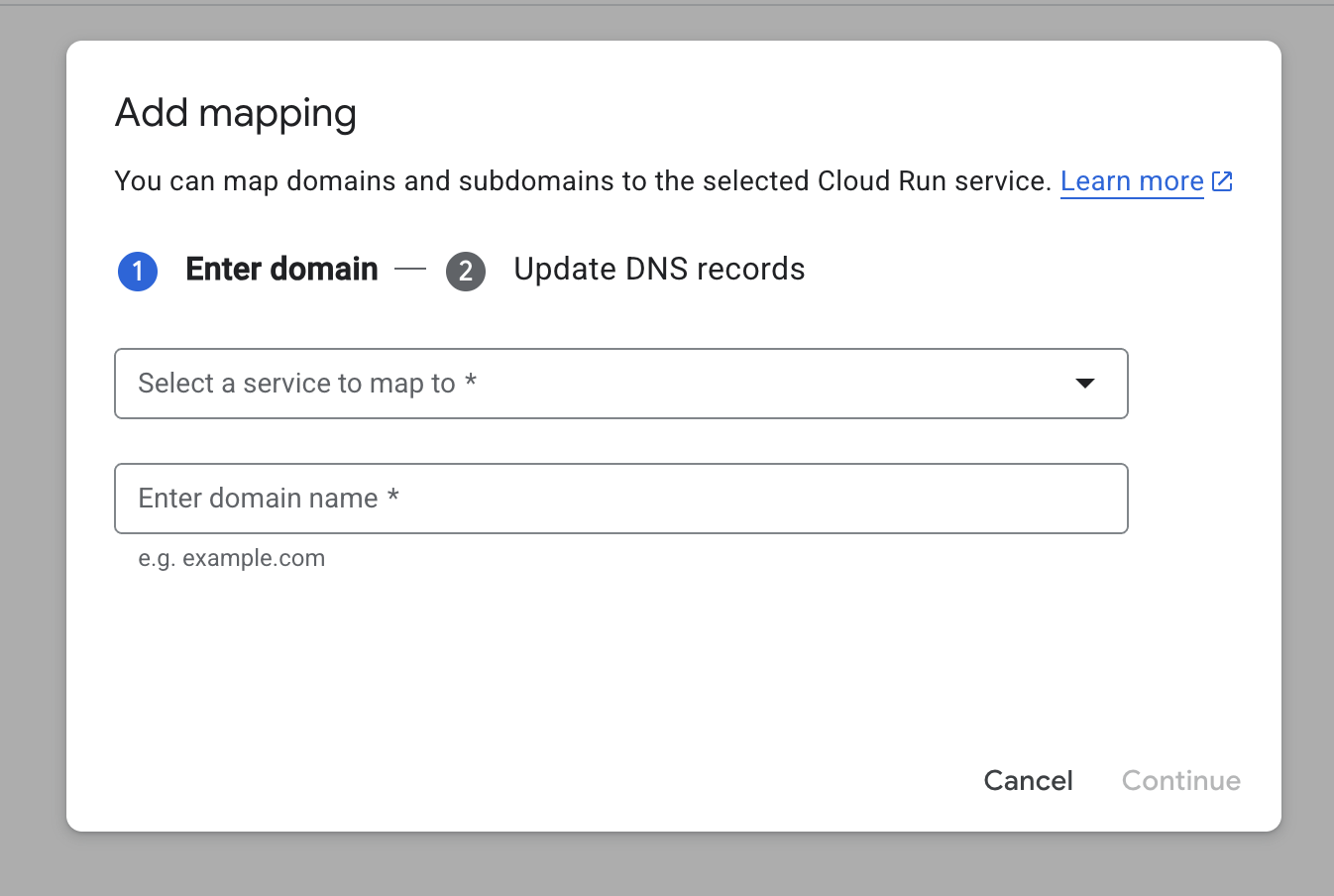
Then, I had to map my domain to my cloudflare account by verifying it on the domain mappings page. I selected the service, added the subdomain name (e.g. emailer.gaurv.me), and updated the DNS records from cloudflare. I then waited for some time before the DNS was verified and https started working.
One thing to note is that domain mapping is a preview feature as of writing this, so it has some limitations. These limitations are that it’s available in specific regions (https://cloud.google.com/run/docs/mapping-custom-domains#limitations). Since I wasn’t aware of this, I had to migrate my image to a new service in an acceptable region as a workaround.
Finally, the app went live, and I can now access it from my subdomain.